

ES Advanced Combatlog - The Ultimate Rage Quit Solution
An all-in-one, plug-and-play combat log system that stops players from ruining roleplay by disconnecting during shootouts.
What Does This Script Do?
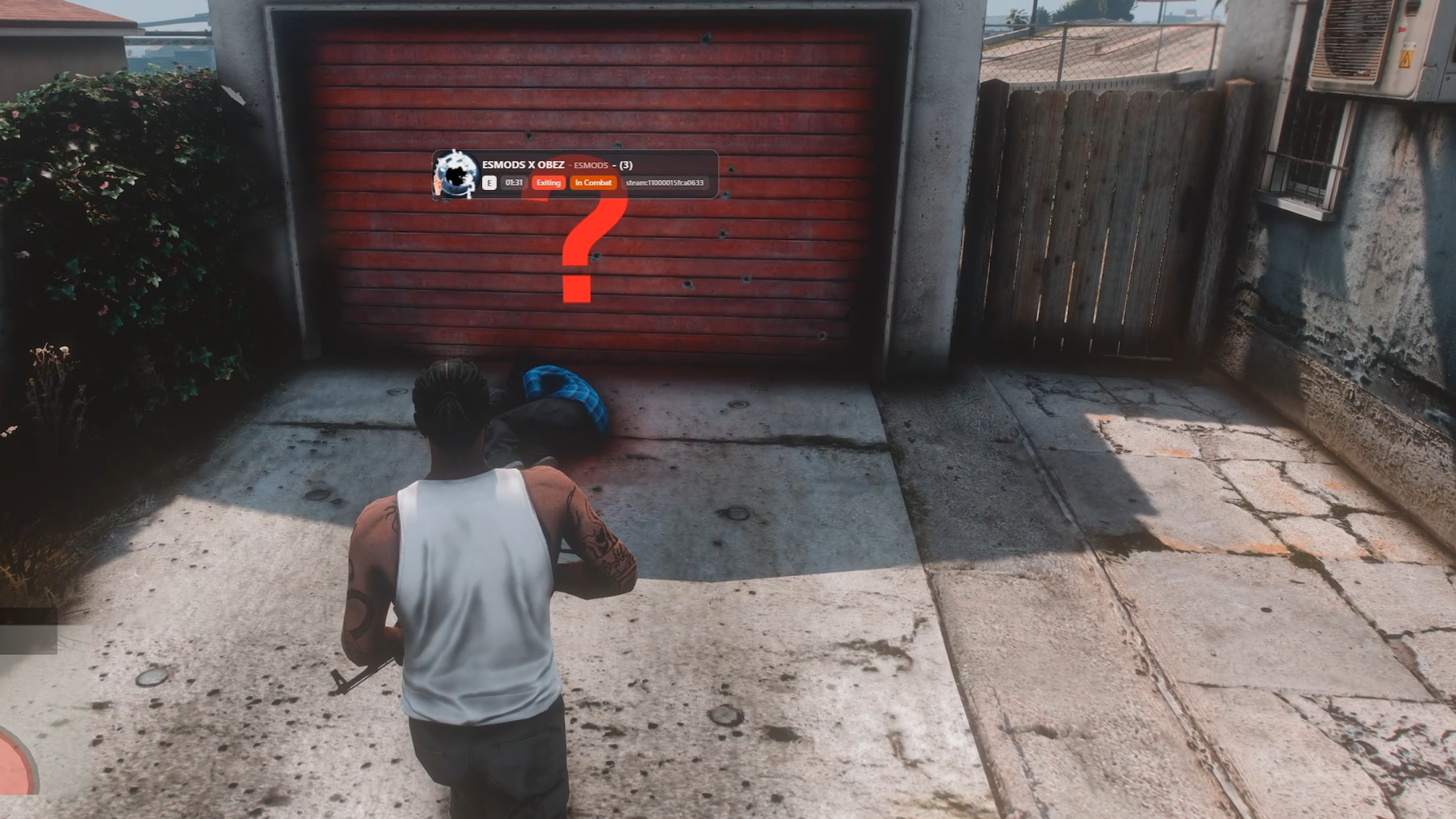
ES Advanced Combatlog ensures that if a player leaves the server during active combat (whether by Crash, Quit, or Timeout), a clone of their character (dummy ped) and a lootable bag remain in the world. Surviving players can loot the disconnected player, ensuring the RP scenario concludes naturally. For players logging out peacefully, it leaves a sleek, informative floating card for admin tracking without dropping any loot.
Detailed Feature List
-
True Hit Detection: Aiming down sights doesn't trigger the combat timer—only registered weapon or melee hits will.
-
Specific Quit Reasons: Accurately tracks and distinguishes between Exiting, Kick, Ban, Timeout, Disconnect, and Crash.
-
NUI Info Card: A modern UI card spawns at the disconnect location, showing the player's Discord avatar and account identifiers. Press 'E' to instantly copy all data to your clipboard.
-
Advanced Discord Webhooks: Logs extensive data including opponent details, last weapon used, ping, remaining HP/Armor, and routing buckets.
-
No Chat Spam: Combat log alerts are kept discreet. No global server-wide announcements, just direct logs and local proximity awareness.
Compatibility (Plug & Play)
-
Frameworks: Auto-detects QBCore, ESX, Qbox, Qbus, or Standalone.
-
Inventories: ox_inventory, qb-inventory, qs-inventory, ps-inventory, ESX default.
-
Target Systems: ox_target, qb-target, qtarget, bt-target. Falls back to a keybind (G) if no target system is found.
-
Clothing: Fully supports illenium-appearance and fivem-appearance.
Extensive Config Options
Built for server owners. Easily adjust the combat duration (default 40s), ped despawn timers, ignored jobs, ignored weapons, marker colors, search distances, and the admin clear command (clearcombatlogs) directly from the configuration file.
Secure your server's roleplay integrity today!
🔗Preview | 💬 Discord